Please read he terms below:
📜 Copyright & Terms of Use – Monkinvideos Live Wallpapers
Copyright © 2025 Monkinvideos. All Rights Reserved.
By downloading or using any Monkinvideos wallpaper video, you agree to the following terms:
✅ Allowed Use
- Personal use only (lock screen or home screen wallpaper on your own device).
- Fair Use is permitted only with proper attribution to Monkinvideos.
❌ Restricted Use
- No Commercial Use: You may not sell, license, or use these videos for commercial purposes.
- No Redistribution: Videos may not be uploaded, shared, or distributed on social media platforms, websites, file-sharing services, or similar outlets without explicit written consent from Monkinvideos.
- No Editing: Videos may not be altered, remixed, or incorporated into other video edits. The watermark/logo must not be removed, hidden, or modified.
- No Resale: Videos may not be resold, bundled, or included in any paid or free digital product collections.
⚖️ Intellectual Property
- All wallpaper videos remain the exclusive property of Monkinvideos and are protected under international copyright laws.
- Unauthorized use, reproduction, or distribution may result in legal action.
👉 By downloading, you acknowledge that you have read, understood, and agreed to these terms.
How to Use the Wallpapers!
📱 For iPhone Users
- Download the free app intoLive from the App Store.
- Open the app → select the video file.
- Save it as a Live Photo.
- Go to Photos, open your Live Photo → tap Share → Use as Wallpaper.
- Make sure Live Photo is ON → tap Set → choose Set Lock Screen.
👉 Hold your finger on the lock screen to see it come alive!
🤖 For Android Users
- Download Video Live Wallpaper (or any free wallpaper app) from the Play Store.
- Open the app → select the video file.
- Tap Set Wallpaper → choose Home Screen, Lock Screen, or Both.
👉 Your wallpaper will loop automatically!
Bini Series
Bini Mikha Lim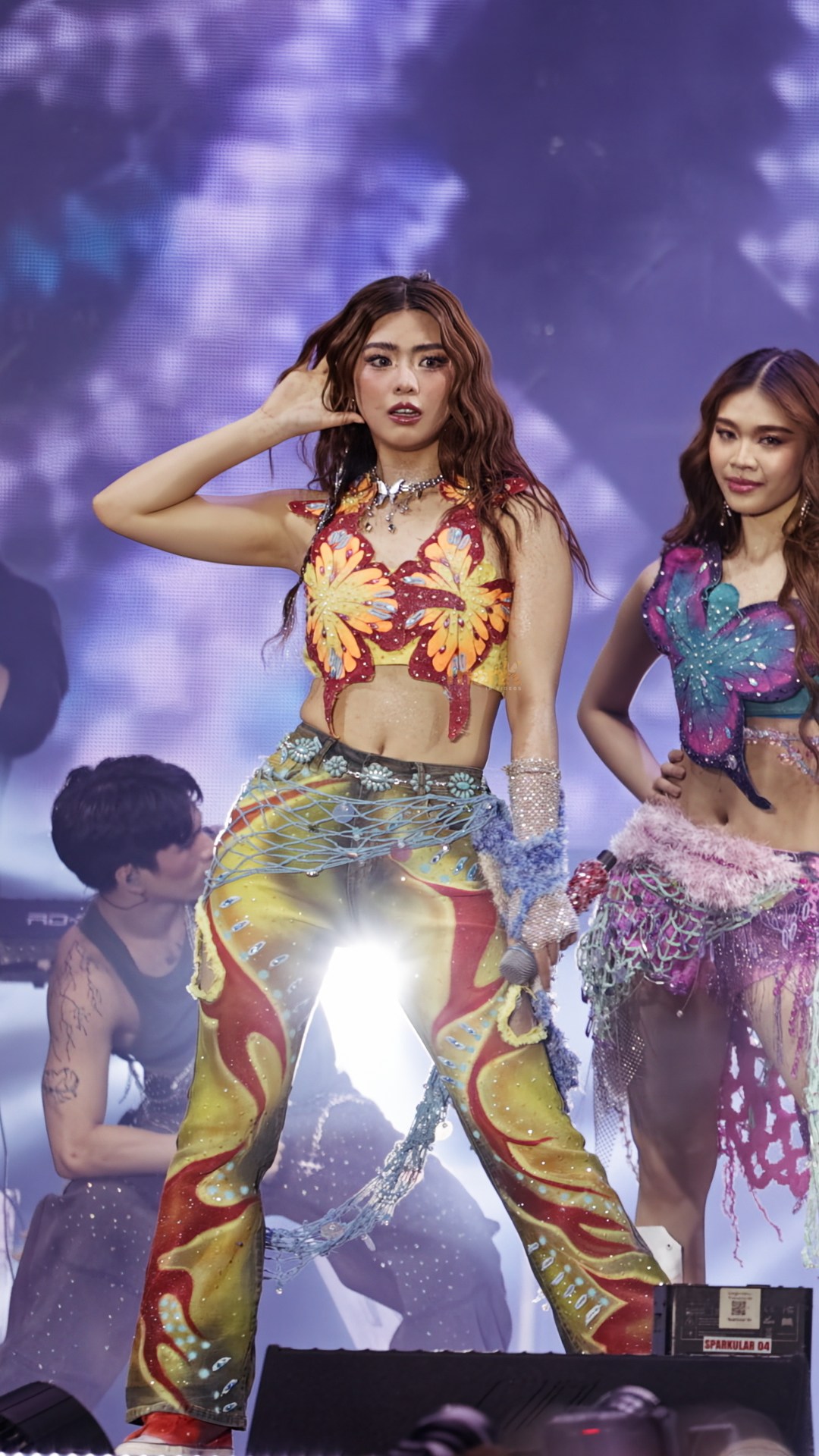
Download Variation One
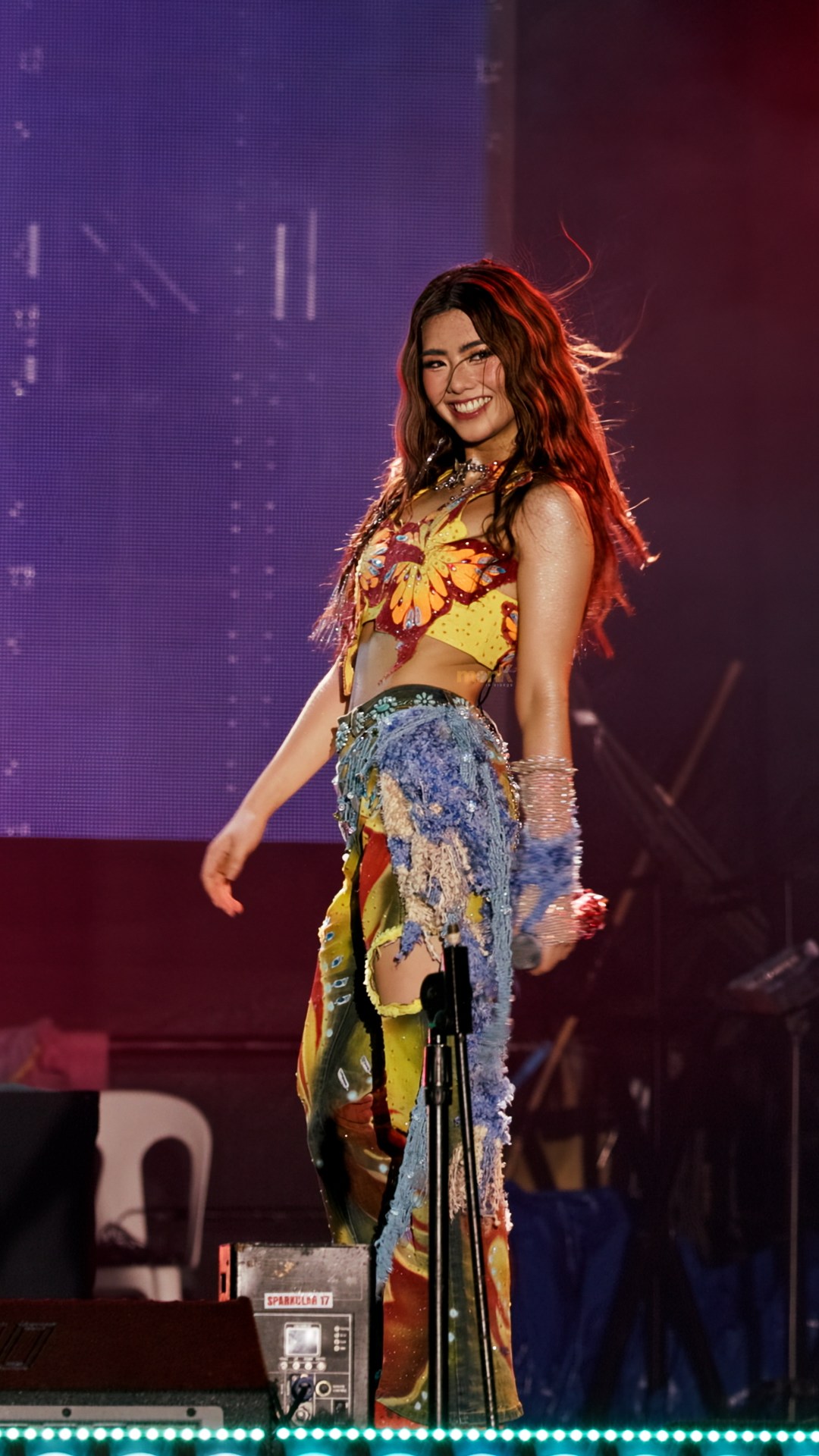
Download Variation Two
Bini Aiah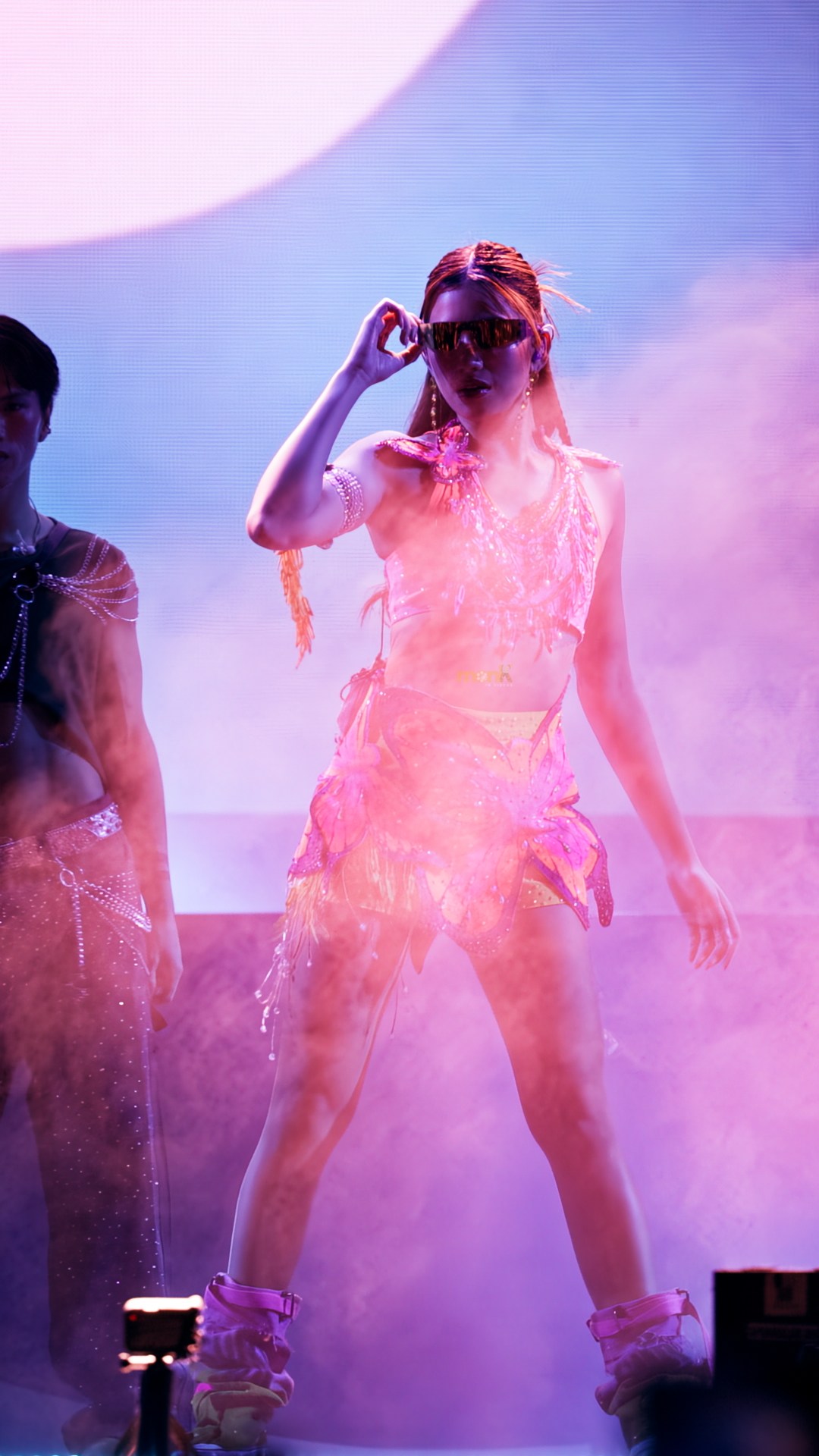
Download Variation One
Bini Maloi